Can a Widget Alone Make a Website Accessible? An Honest Answer
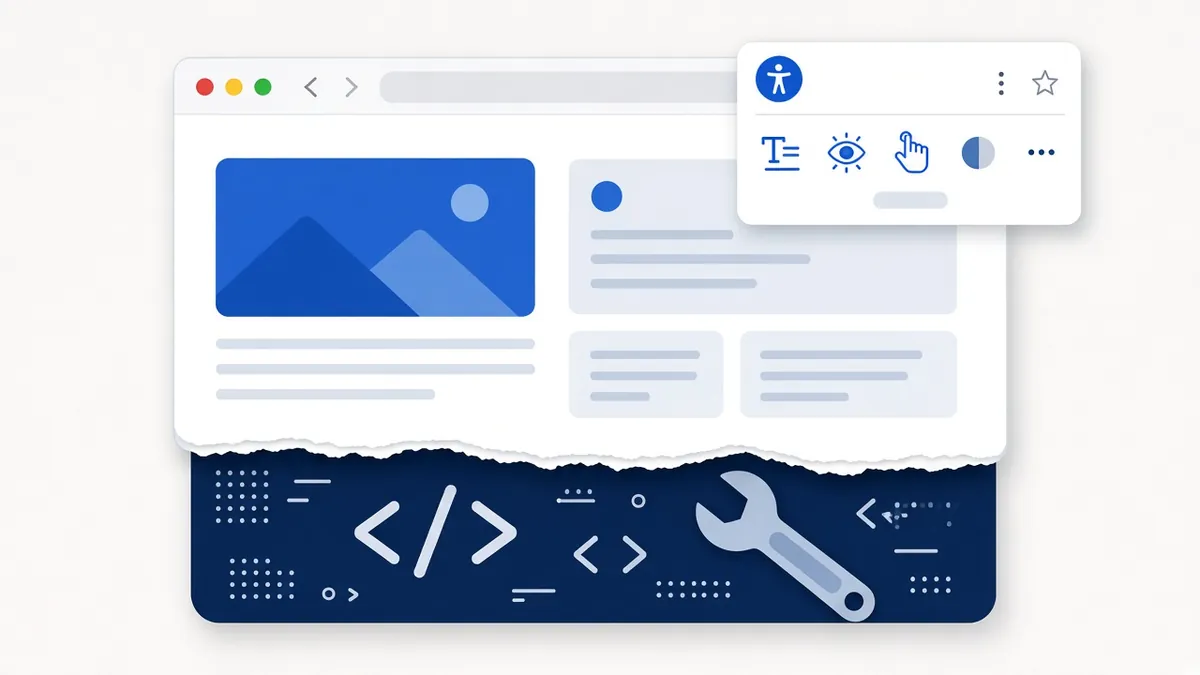
We sell an accessibility toolbar, so you might expect us to say it solves everything. It doesn't, and we think you deserve a straight answer before you spend money. Here's what a widget does well, where it falls short and how to use one the right way.
What an accessibility widget is
A widget, sometimes called a toolbar or overlay, is a small script you add to your site. It puts a button on the page that opens a panel of options. Visitors can make text bigger, raise contrast, highlight links, pause animations, use a reading guide, have the page read aloud or translate it. Some products go further and try to automatically rewrite the page's code in the background to repair problems.
What widgets do well
For many visitors, those options are genuinely helpful. Someone with low vision who doesn't use a screen reader may just need larger text and stronger contrast. A person with dyslexia may read more comfortably with extra letter spacing and a reading ruler. Someone with ADHD may appreciate pausing moving content. Older visitors often benefit from all of these. A widget puts those choices in one place, on every page, without the visitor needing to know how to change browser settings.
That's real value, and it's why we include one in every plan.
What widgets can't do
The trouble starts when a widget is presented as the whole solution. Most serious barriers live in a site's underlying code, and a script running on top can't reliably fix them. For example:
- Images without meaningful descriptions. Software can guess that a photo shows "a person smiling," but it can't know that the image is your price list or your team's credentials.
- Forms without proper labels or error messages. If a checkout field isn't connected to its label, a screen reader user may not know what to type.
- Buttons and menus that only work with a mouse. Custom controls built without keyboard support often stay broken even with a toolbar.
- Videos without captions and PDFs that weren't made accessible.
- Third-party embeds such as booking tools, chat boxes and maps that a widget can't reach.
Screen reader users, the group most likely to hit these barriers, usually already have their own tools set up. They need the site's code to work with those tools, not a second set of controls. Some disability advocates have also raised concerns that automatic overlays can interfere with assistive technology.

Widget versus code fixes, side by side
| Need | Toolbar helps? | Needs a code fix? |
|---|---|---|
| Bigger text and stronger contrast | Yes | Sometimes, if the layout breaks |
| Reading aloud and translation | Yes | No |
| Pausing animations | Yes | Better if built in |
| Meaningful image descriptions | No | Yes |
| Form labels and error messages | No | Yes |
| Keyboard access to menus and buttons | Rarely | Yes |
| Video captions and accessible PDFs | No | Yes |
A quick example
Picture a hair salon with a booking calendar built from a third-party plugin. The owner adds a toolbar, and visitors can now enlarge text and switch to high contrast. But the calendar's date picker only responds to mouse clicks, and the "Book" button has no label. A keyboard user still can't pick a time, and a screen reader user hears "button" with no context. The toolbar helped some visitors, but the booking path is still blocked until the plugin is fixed or replaced.
What the data and regulators say
EcomBack's 2025 report counted 983 website accessibility lawsuits against sites that already had a widget installed, about one in four of all cases it tracked. Having a widget clearly didn't prevent those claims.
In 2025 the Federal Trade Commission finalized an order against a large overlay company, accessiBe, requiring it to pay $1 million and barring it from claiming its automated product could make any website meet WCAG unless it had evidence to back that up. The FTC also alleged that the company presented reviews and articles as independent without disclosing its connections to them. The message for buyers is simple: be wary of any product that promises full conformance or lawsuit protection from a single line of code.
So is a widget worth having?
Yes, as one part of a plan. Think of it like a handrail on a staircase. The handrail helps a lot of people, but it doesn't fix a missing step. Here's how we suggest using a widget honestly:
- Fix the code first, or at the same time. Labels, alt text, headings, contrast, focus and keyboard access matter most.
- Use the widget for visitor preferences. Text size, contrast, spacing, read aloud and translation are where it shines.
- Test real tasks. Try booking, buying or contacting you with only a keyboard, and ideally with a screen reader such as NVDA or VoiceOver.
- Monitor. Rescan after site changes and on a schedule.
- Be honest in your accessibility statement. Describe what you've done, what you're working on and how visitors can reach you.
How we approach it
Our toolbar includes text and contrast controls, four read-aloud modes, translation into 132 languages and profiles for common needs. We pair it with scans powered by axe-core, the open-source engine used by many accessibility teams, and with hands-on code fixes during setup. We'll always tell you what's still left to do. We don't claim that any tool, including ours, makes a site fully conform on its own.
The bottom line
A widget is a helpful extra, not a shortcut. Pair it with real fixes and regular checks, and you'll improve access for your visitors and lower your risk in a way that holds up.
Frequently asked questions
Will a widget protect me from a lawsuit?
No product can promise that. In 2025, about 1 in 4 website accessibility lawsuits named sites that already had a widget installed.
Then why include a widget at all?
Because many visitors use its options every day, especially people with low vision, dyslexia, ADHD and older adults. It's a helpful extra, not the whole plan.
What should I fix first?
Form labels, alt text, color contrast, headings and keyboard access. Our 10 quick fixes post walks through each one.
Do screen reader users need a widget?
Usually not. They rely on their own software, so what matters most is that the site's code works well with it.
Comparing tools? See our accessibility widget comparison.
Sources
- EcomBack 2025 annual report (widget data)
- FTC: order against accessiBe
- Overlay Fact Sheet (advocates' statement)
- W3C WAI: Evaluating web accessibility
Disclaimer: This article is general information, not legal advice. Laws and dates can change. A toolbar alone doesn't make a website conform; we help reduce risk and improve access.