How Website Accessibility Helps SEO, AI Search and Sales
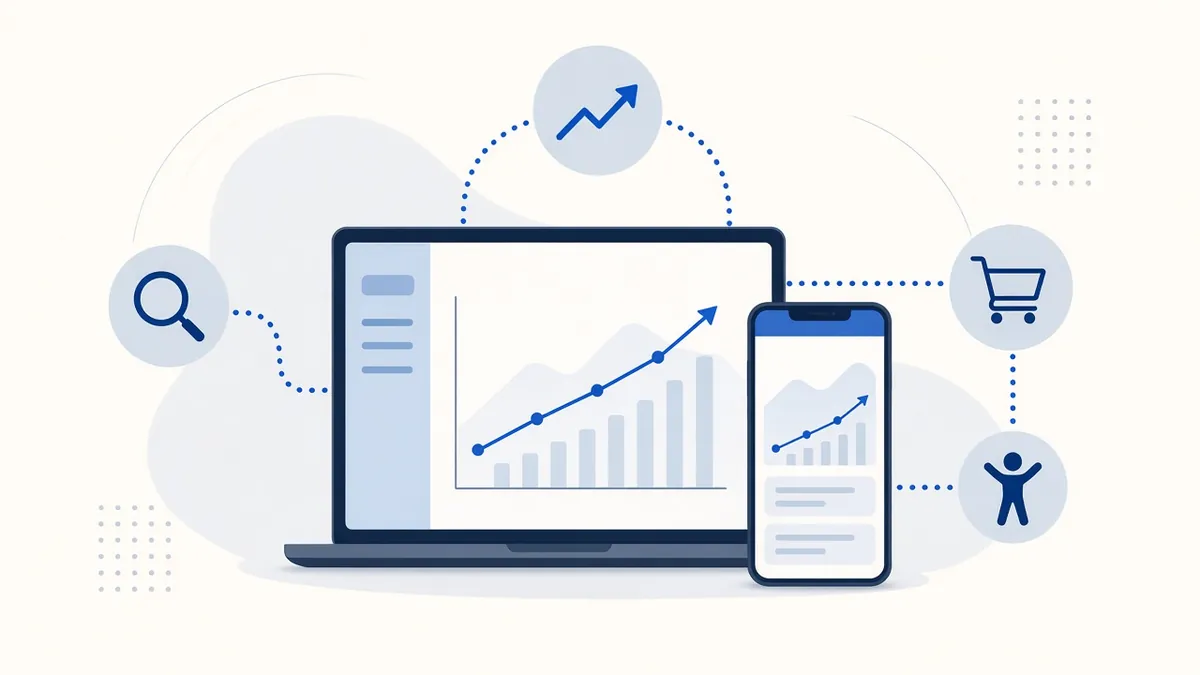
Most conversations about website accessibility start with risk. That's understandable, but it misses the bigger story. Accessibility is mostly about making your site easier for people to use, and easier-to-use sites tend to win more customers. Here's how the benefits add up.
A larger audience than most owners expect
The CDC estimates that more than one in four U.S. adults lives with some type of disability, including mobility, cognitive, hearing and vision disabilities. Add older adults whose eyesight and fine motor control change with age, people with temporary injuries, and anyone using a phone in bright sunlight, and the group that benefits from accessible design is large.
These visitors aren't a niche. They book appointments, order food, book contractors and shop online like everyone else. When a site doesn't work for them, they usually leave quietly and buy from a competitor. You never see the lost sale, which is why it's easy to underestimate.
Accessibility and SEO share the same foundations
Search engines read your site much the way a screen reader does: through its code, not its looks. Many accessibility basics are also good search habits:
- Alt text helps search engines understand your images, which can help in image search.
- A clear heading structure shows what each page and section is about.
- Descriptive link text ("Roof repair pricing" instead of "click here") tells crawlers what the linked page covers.
- Captions and transcripts turn video and audio into searchable text.
- Page titles and language settings help both search results and assistive technology.
- Mobile-friendly layouts that resize cleanly line up with Google's mobile-first indexing.
To be clear, Google doesn't publish accessibility as a direct ranking factor, and fixing alt text won't jump you to the top overnight. The benefit comes from clearer content and a better experience, which are things search engines do reward.
AI assistants read structure too
More people now ask AI assistants and AI-powered search for recommendations. These tools also depend on clean, well-labeled pages to understand what a business offers. Google's Lighthouse tool has even started testing how well pages work for automated browsing agents. Clear headings, labeled buttons and real text instead of text baked into images make your site easier for these systems to read and summarize accurately.
Better usability for everyone
Accessibility improvements often help every visitor:
- Higher contrast is easier to read on phones outdoors.
- Clear form labels and error messages reduce abandoned checkouts and contact forms.
- Captions help people watching with the sound off, which is how many people watch on social media.
- Keyboard support helps power users and people with a broken trackpad.
- Plain language and good structure help visitors find what they need faster.
Fewer frustrated visitors means more completed bookings, calls and purchases.
Where accessibility and growth overlap
| Accessibility fix | Helps visitors | Helps search and sales |
|---|---|---|
| Descriptive alt text | Screen reader users understand images | Images can be understood and found in image search |
| Logical headings | Easier to scan and navigate | Clearer topic signals for search engines |
| Captions and transcripts | Deaf and hard-of-hearing visitors, sound-off viewers | Searchable text from video and audio |
| Clear form labels and errors | Fewer mistakes and less frustration | More completed bookings and checkouts |
| Responsive, zoom-friendly layout | Low-vision and mobile users | Matches mobile-first indexing |
Examples
A family restaurant posts its menu as a photo. Nobody using a screen reader can read it, and search engines can't either. Turning the menu into real text on the page fixes both, and it lets people searching for "gluten-free pizza near me" find the restaurant's actual dishes.
A plumbing company has a "Get a quote" form that clears every field when one entry is wrong. After adding labels, keeping entries and writing clear error messages, more people finish the form. The change was made for accessibility, but every visitor benefits.
A boutique adds captions to its product videos. Shoppers watching on their phones with the sound off can follow along, and the caption text gives search engines more to work with.
How to measure the payoff
Pick two or three numbers before you start, such as form completion rate, checkout completion and organic search visits to key pages. Check them a month or two after your fixes. Results vary by site, so treat this as your own experiment rather than a promise.
Reaching customers in their own language
Translation is an accessibility feature too. Many U.S. households speak a language other than English at home. Our toolbar lets visitors translate a page into 132 languages using machine translation, which isn't perfect but helps people understand your services. If a big share of your customers speak a particular language, a professionally translated page is even better.
A possible tax credit
Eligible small businesses (generally $1 million or less in gross receipts, or 30 or fewer full-time employees) may be able to claim the IRS Disabled Access Credit on Form 8826. It covers 50% of eligible accessibility costs above $250, up to a maximum credit of $5,000 a year. Whether website work qualifies depends on your situation, so check with your tax professional before counting on it.
Lower risk is a bonus, not the only reason
Yes, accessible sites are less exposed to complaints and lawsuits, and the numbers are worth knowing (see ADA website lawsuits in plain numbers). But the strongest reason to invest is simpler: more people can use your website and become customers.
Where to start
- Run a free scan to see your top issues.
- Work through our 10 quick fixes.
- Add a toolbar so visitors can adjust text, contrast, reading and language.
- Rescan regularly so new pages stay in good shape.
Frequently asked questions
Is accessibility a Google ranking factor?
Google doesn't list it as a direct ranking factor. But many accessibility basics, like alt text, headings and good mobile layouts, support search visibility.
How big is the audience?
The CDC estimates more than 1 in 4 U.S. adults has a disability, and older adults and mobile users also benefit.
Does website work qualify for the tax credit?
It may for eligible small businesses using IRS Form 8826. Ask your tax professional about your situation.
Where should I start?
Run a free scan, then work through our 10 quick fixes.
Comparing tools? See our accessibility widget comparison.
Sources
- CDC: Disability impacts all of us
- IRS Form 8826, Disabled Access Credit
- Google Search Central: image SEO best practices
- Google Search Central: mobile-first indexing
- U.S. Census: languages spoken at home
Disclaimer: This article is general information, not legal advice. Laws and dates can change. A toolbar alone doesn't make a website conform; we help reduce risk and improve access.