How to Write an Accessibility Statement for Your Website
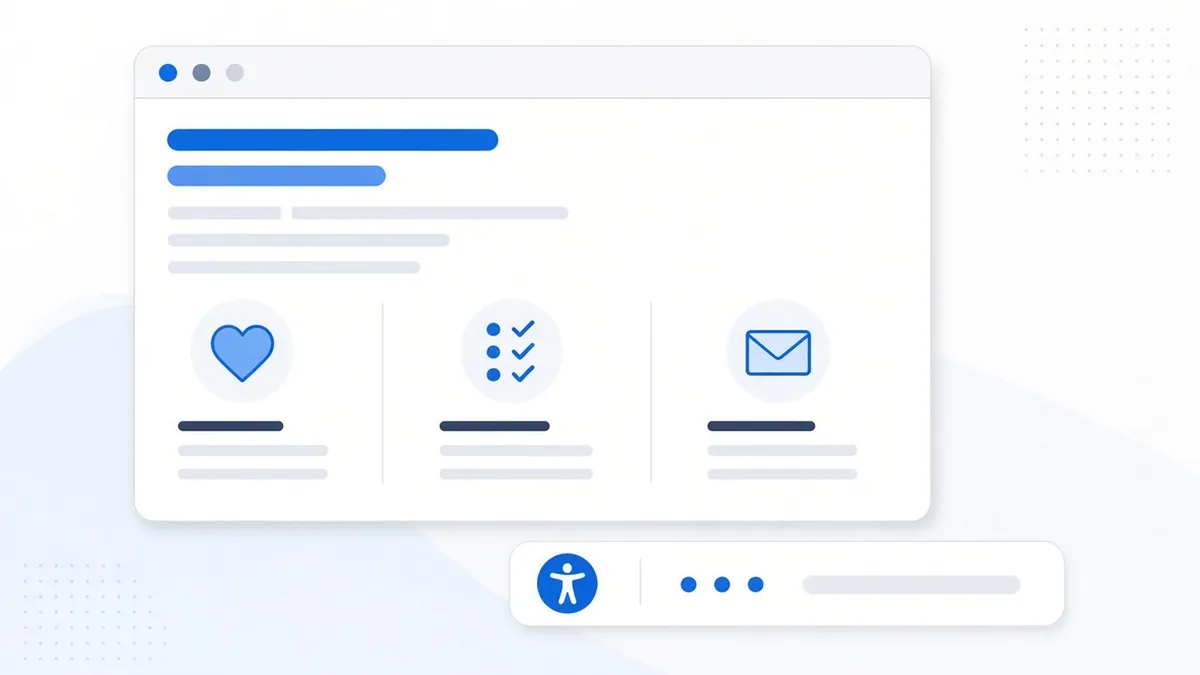
Most business websites have a privacy policy and a terms page tucked into the footer. Fewer have an accessibility statement, even though it's one of the simplest, lowest-cost pages you can add. A good statement takes an hour or two to write, and it does something useful right away: it gives a visitor who runs into a barrier a clear way to tell you about it and get help.
This post explains what an accessibility statement is, what to put in it, the mistakes to avoid, and how to keep it accurate as your site changes.
What an accessibility statement is (and isn't)
An accessibility statement is a public page that describes how accessible your website is, what you're doing to improve it, and how people can reach you if something doesn't work for them. Think of it as an honest status report written for your visitors, not for developers.
It isn't a certificate, and it isn't proof that your site works for everyone. Publishing a statement doesn't fix a missing form label or a button a keyboard can't reach. What it does is show where you stand, set expectations, and open a direct line for feedback. Those things matter, but they sit alongside the actual work of finding and fixing issues, not in place of it.
Why it's worth having one
The World Wide Web Consortium's Web Accessibility Initiative (W3C WAI), the group behind the Web Content Accessibility Guidelines (WCAG), lists several reasons to publish a statement. It shows visitors you care about accessibility, gives them practical information about your content, and demonstrates a real commitment. In some places it's required: public bodies in countries that implement the EU Web Accessibility Directive have to publish one with specific content.
In the United States, no ADA rule requires a private business to post an accessibility statement. But the Department of Justice's guidance on web accessibility and the ADA lists "reporting accessibility issues" among the website features businesses should consider, noting that a way for the public to report problems lets owners fix them. A statement with working contact details is the most common way to offer that.
There's a practical side too. When a visitor can't complete an order or book an appointment, you'd much rather hear about it through an email than not at all. A visible feedback path turns a frustrated visitor into someone who can tell you exactly what to fix.
What to include
The W3C recommends that every statement contain at least three things:
- A commitment. One or two sentences saying you want your site to be usable by people with disabilities and that you're working on it.
- The standard you apply. For most businesses, WCAG 2.2 at Level AA is a sensible target; the 2024 DOJ rule for state and local governments uses Level AA of the earlier WCAG 2.1.
- Contact information. An email address at minimum, and ideally a phone number, so people can report barriers or ask for information in another format.
The W3C also suggests adding these when you can:
- Known limitations. Parts of the site you know still have problems, such as older PDFs or a third-party booking tool.
- What you're doing about it. Regular scans, manual testing with a keyboard and screen reader, staff training, or a review process for new content.
- Technical details. The browsers and assistive technologies you've tested with.
- Relevant laws or policies that apply to your organization.
- A response time. For example, "We aim to reply within 2 business days."
- The date the statement was written or last reviewed.
Write it in plain language
The people most likely to read your statement are visitors who just hit a problem. Technical jargon makes that moment worse. The W3C gives a good example: instead of writing that a specific WCAG success criterion "was not met," say that "videos do not have captions." Describe what a person will actually experience and what they can do instead.
A known-limitation line might read: "Some menus from before 2025 are PDF files that may not work well with screen readers. Email us and we'll send the menu as text the same day." That's clear, honest and gives the visitor a way forward.
Be honest about where you are
The fastest way to undercut a statement is to overstate it. If you haven't tested your whole site, don't claim it fully meets WCAG. Accurate phrases include "we are working toward WCAG 2.2 Level AA" or "this site partially conforms to WCAG 2.2 Level AA, which means some content does not yet fully meet the standard." The W3C's own minimal example uses that "partially conforms" wording.
Be just as careful about tools. If you use an accessibility toolbar or widget, you can mention it as one of the ways visitors can adjust the display, but don't present it as the reason your site is accessible. A toolbar can't fix missing alt text or broken heading structure in your code. We cover that in detail in can a widget alone make a site accessible?
Make the feedback path actually work
A statement is only as good as the inbox behind it. Before you publish, check these basics:
- The email address goes to a real person who checks it, not an unmonitored box.
- The contact method itself is accessible. A form with unlabeled fields or an image-only captcha defeats the purpose, so offer a plain email address too.
- You have a simple process for each report: reply, log the issue, fix it or offer an alternative, and follow up.
- Your stated response time is one you can keep.
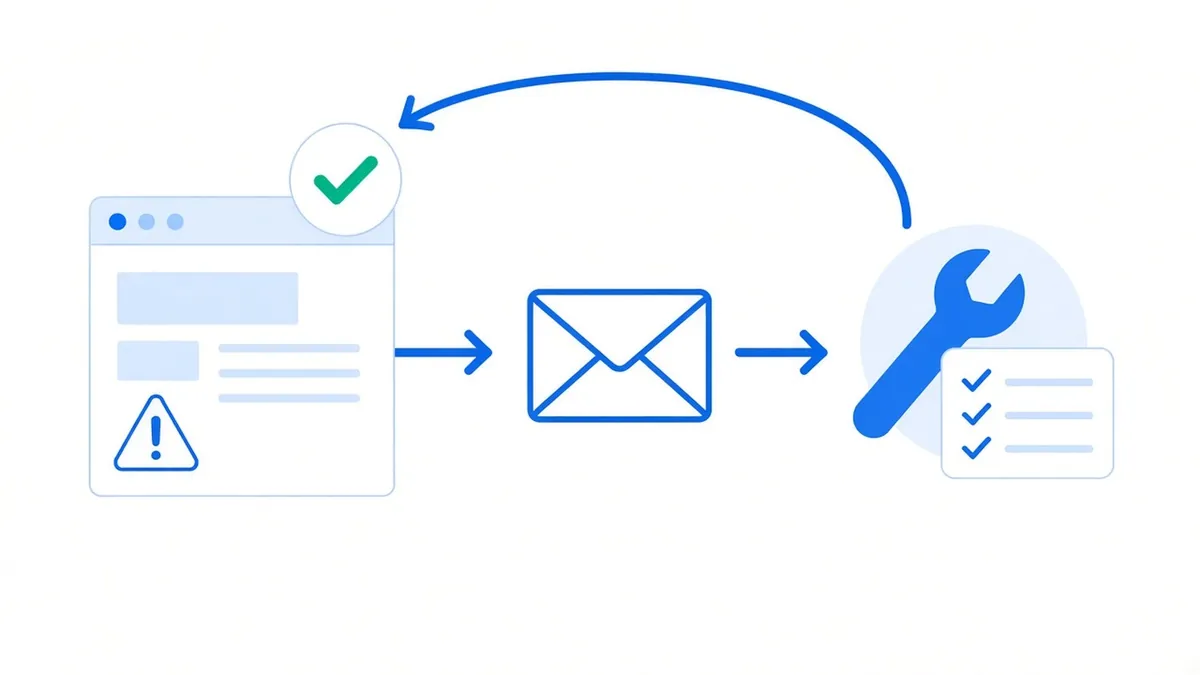
Treat every report as free testing. Each one points to a real barrier a real visitor hit, which is often more useful than a long list of automated findings.
Where to put it and how to keep it current
Publish the statement on its own page, often at a simple address like /accessibility, and link to it from the footer of every page so people can find it from anywhere. Use clear link text such as "Accessibility" or "Accessibility statement."
Then put a review on your calendar. Update the statement when you redesign the site, add a new checkout or booking tool, finish fixing a known limitation, or change your contact details. A quarterly look is a reasonable habit for most small businesses. Change the "last reviewed" date each time so visitors can see it's maintained.
Common mistakes to avoid
- Copying another company's statement word for word, including tools and testing you don't actually use.
- Claiming full conformance without testing the whole site.
- Listing no contact method, or only a form that itself has accessibility problems.
- Hiding the link where nobody looks, or only on the home page.
- Writing it once and never touching it again.
A simple way to get started
Start by finding out where your site stands, since your statement should reflect real results. A scan shows you the issues to list as known limitations and the fixes to schedule. Our 10 quick accessibility fixes post covers common issues you can often resolve in an afternoon, and the guide to accessible colors and fonts helps with the most common one.
When you're ready to write, our free accessibility statement generator walks you through the commitment, standard, testing methods, known limits and contact details, and it runs entirely in your browser. The W3C also offers its own generator. If you're weighing tools and services, our comparison pages lay out what different options do and don't cover.
This article is general information, not legal advice. To see what your statement should say about your site today, run a free scan and get a clear list of what to fix first.
Frequently asked questions
Is an accessibility statement legally required in the United States?
No ADA rule requires a private business to publish one, but DOJ guidance notes that giving the public a way to report accessibility problems helps owners fix them, and a statement is a common way to do that. Some public bodies, such as those covered by the EU Web Accessibility Directive, are required to publish one.
What should an accessibility statement include?
At minimum, a commitment to accessibility, the standard you apply such as WCAG 2.2 Level AA, and contact information. It's also helpful to list known limitations, what you're doing to improve, and a response time.
Can I say my site fully meets WCAG?
Only if it has been tested and actually does. If not, accurate wording like "working toward WCAG 2.2 Level AA" or "partially conforms" is the better choice.
Where should the accessibility statement link go?
In the footer of every page, with clear link text like "Accessibility statement," so visitors can find it from anywhere on the site.
How often should I update my accessibility statement?
Whenever your site changes in a meaningful way, and on a regular schedule such as quarterly. Update the review date each time.
Comparing tools? See our accessibility widget comparison.
Sources
- W3C WAI: Developing an Accessibility Statement
- W3C WAI: Example of a Minimal Accessibility Statement
- U.S. Department of Justice: Guidance on Web Accessibility and the ADA
- W3C: Web Content Accessibility Guidelines (WCAG) 2.2
- W3C WAI: Web Accessibility Laws & Policies
Disclaimer: This article is general information, not legal advice. Laws and dates can change. A toolbar alone doesn't make a website conform; we help reduce risk and improve access.